How to overwrite or disable the 'Nunito Sans' font in Docs in 7.0 (beta) #21109


-
|
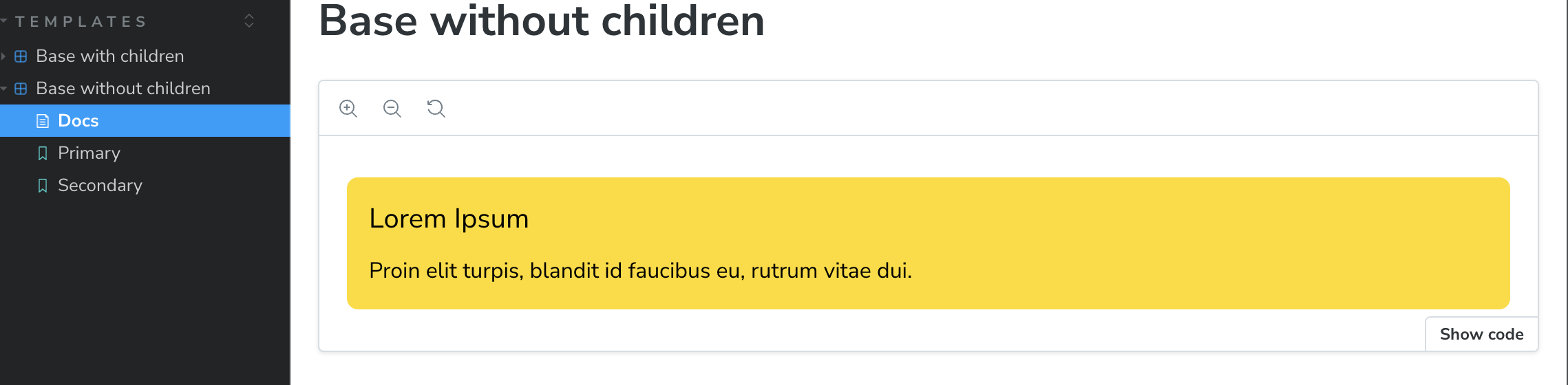
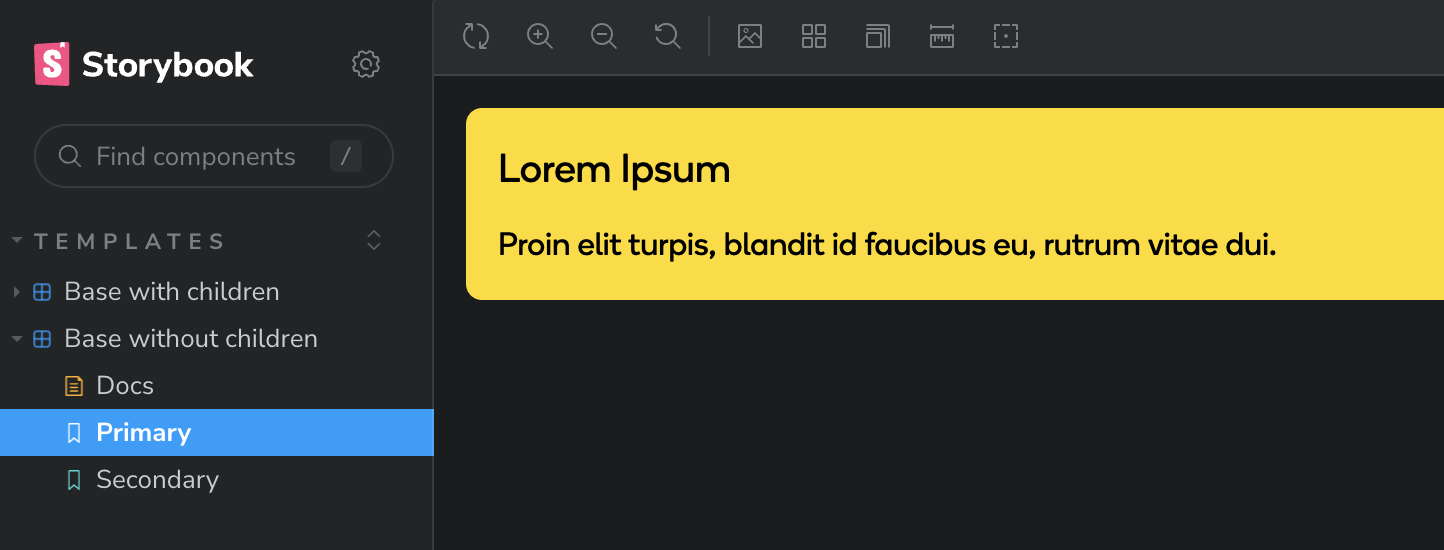
Hi! I'm building a ui lib with Storybook, Vite, React, Typescript and Tailwindcss, and having some trouble showing our custom font in the Docs in Storybook. I'm getting the right font (Boing) in the stories, but not in the Docs where 'Nunito Sans' seems to take precedence over 'Boing'. Why is that, and how can I get the docs to show the right font (Boing)? Am I missing something? Thanks! .storybook/main.ts .storybook/preview.ts src/tailwind-entry.css This is the Docs where Nunito Sans is used: And this is the story where Boing is used: |


Beta Was this translation helpful? Give feedback.
Replies: 3 comments 4 replies

-
|
I'm getting the warning that it's not used and upon investigation I found preloading the font inside iframe's
|

Beta Was this translation helpful? Give feedback.

-
|
Hey, I think this warning was fixed in #21599 but even then, I would still like a way to completely remove Nunito Sans from the |
Beta Was this translation helpful? Give feedback.

-
|
Me too. I drop it out after build complete |
Beta Was this translation helpful? Give feedback.

-
|
@MartinaMilisic, did you ever manage to get this to work? |
Beta Was this translation helpful? Give feedback.

-
|
Hi! Actually, I forgot all about it. Checking it now, it seems like the right font is loaded. Unfortunately I don't know what fixed it :/ |
Beta Was this translation helpful? Give feedback.

-
|
There could be a number of reasons for this, but it might be because of this line: @layer base {
html {
@apply font-primary;
}
}The wanted fonts are applied in a CSS layer, which will have a lower specificity than Storybook's fonts because they are unlayered. Unlayered styles always takes priority over layered styles, even though we've done a lot to give those style very low specificity (using A fix here would be to apply the font unlayered in |
Beta Was this translation helpful? Give feedback.
-
|
Sorry for a really late response! Thank's for the help :) |
Beta Was this translation helpful? Give feedback.


There could be a number of reasons for this, but it might be because of this line:
The wanted fonts are applied in a CSS layer, which will have a lower specificity than Storybook's fonts because they are unlayered. Unlayered styles always takes priority over layered styles, even though we've done a lot to give those style very low specificity (using
:where).A fix here would be to apply the font unlayered in
preview-head.html.